


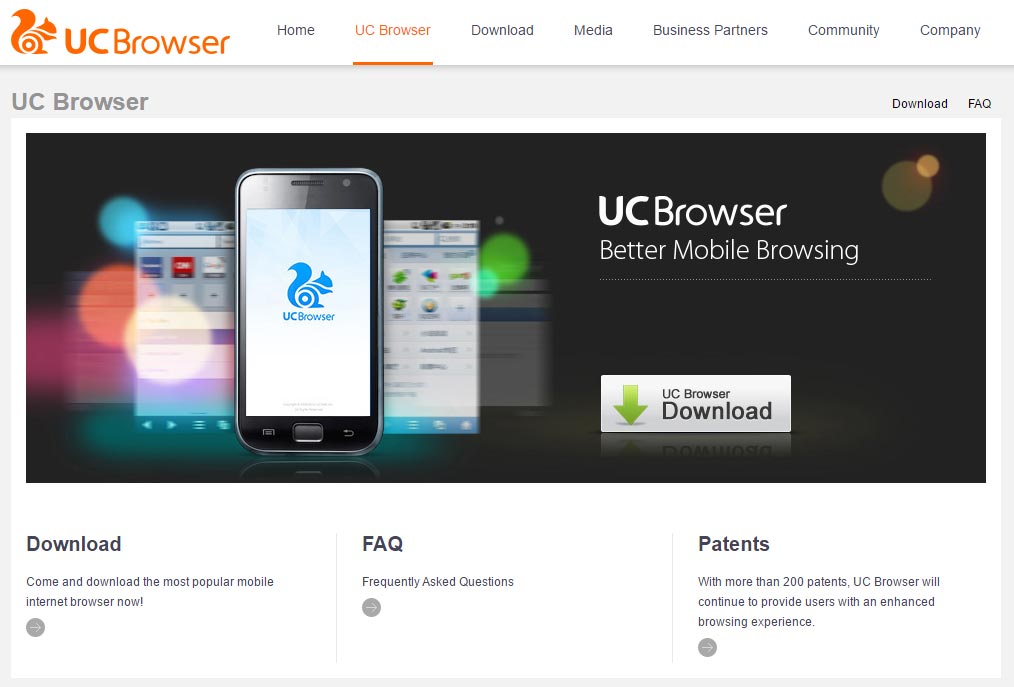
UC Browser is a web browser that promotes itself as a useful alternative to any other browser available both for Android and PC. It’s advertised advantage is the “enhanced mode” that allegedly saves mobile data by effectively compressing it.
Belonging to Alibaba, UC Browser is one of the most popular browsers for Android, specially in China and India, although is has gained some popularity also in western countries. According to information provided by Edward Snowden, and as reported by CBC News Canada and The Intercepter, several organizations infitrated UC Browser in 2011, inserting in some cases programs whose goal was to spy and steal data from affected mobile phones.
Citizen Lab, a research group for Toronto’s University, analyzed both the Chinese and English UC Browser versions for the CBC News report and found several important security and privacy issues; such issues included measures that allowed the spies to save: all searches performed by affected users, data saved in the SIM card and hardware identification numbers that could be used to track users. Citizen Lab warned UC Browser about this issues last April, therefore current versions are supposed to be fixed by now.
Search keywords are sent to Yahoo India and Google without any encryption; IMEI number, Android ID and Mac addresses are also sent non-encrypted to Umeng (an Alibaba analysis tool). Finally geographical information such as longitude/latitude is also sent unprotected to AMAP (an Alibaba mapping tool).
You should know that UCBrowser is detected as a malware only by ESET-NOD32.
How to remove UC Browser ?
Remove UC Browser with MalwareBytes Anti-Malware
Malwarebytes Anti-Malware is an important security program for any computer user to have installed on their computer. It is light-weight, fast, and best of all, excellent at removing the latest infections like UC Browser.
-
Download MalwareBytes Anti-Malware :
Premium Version Free Version (without Real-time protection) - Double-click mbam-setup-consumer.exe and follow the prompts to install the program.
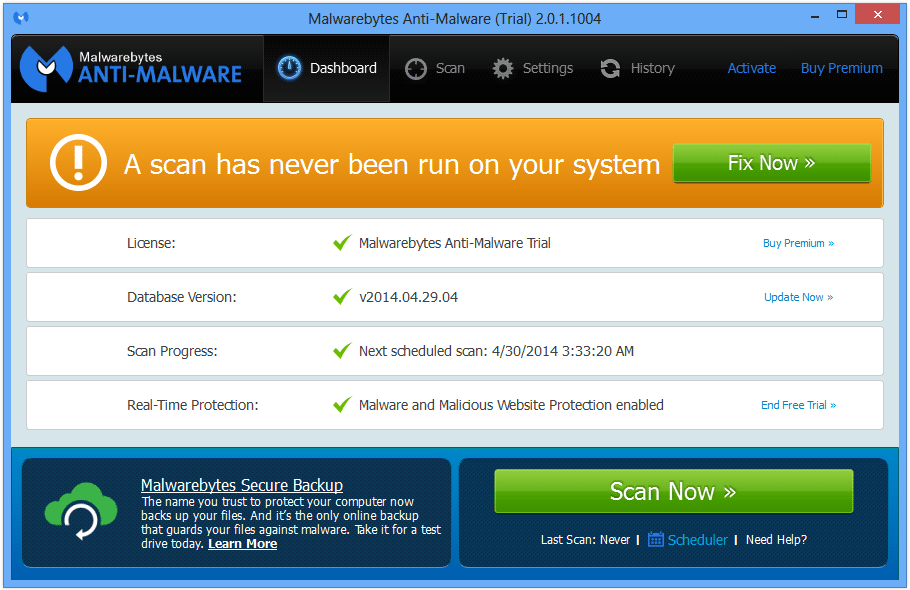
- Once installed, Malwarebytes Anti-Malware will automatically start and you will see a message stating that you should update the program, and that a scan has never been run on your system. To start a system scan you can click on the Fix Now button.
- Malwarebytes Anti-Malware will now check for updates, and if there are any, you will need to click on the Update Now button.
- Malwarebytes Anti-Malware will now start scanning your computer for UC Browser.
- When the scan is done, you will now be presented with a screen showing you the malware infections that Malwarebytes’ Anti-Malware has detected. To remove the malicious programs that Malwarebytes Anti-malware has found, click on the Quarantine All button, and then click on the Apply Now button.
- Reboot your computer if prompted.
Remove UC Browser with AdwCleaner
AdwCleaner is a helpful tool developed to eliminate unwelcome toolbars, browser hijackers, redirects and potentially unwanted programs (PUPs) in Internet Explorer, Firefox, Chrome or Opera. AdwCleaner will require no installation and can be ran in a instantaneous to scan your system.
-
Please download AdwCleaner by Xplode and save to your Desktop :
Download AdwCleaner - Double-click on AdwCleaner.exe to run the tool (Windows Vista/7/8 users : right-click and select Run As Administrator).
- Click on the Scan button.
- After the scan has finished, click on the Clean button..
- Press OK again to allow AdwCleaner to restart the computer and complete the removal process.
Remove UC Browser with HitmanPro
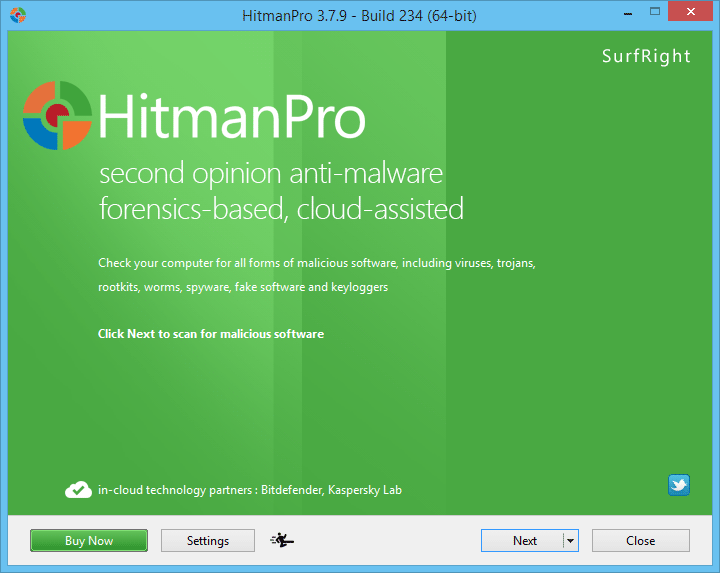
HitmanPro is an anti-virus program that describes itself as a second opinion scanner that should be used in conjunction with another anti-virus program that you may already have installed.
-
You can download HitmanPro from the below link:
Download HitmanPro - Double-click on the file named HitmanPro.exe (for 32-bit versions of Windows) or HitmanPro_x64.exe (for 64-bit versions of Windows).
- Click on the Next button, to install HitmanPro on your computer.
- HitmanPro will now begin to scan your computer for UC Browser malicious files.
- When it has finished it will display a list of all the malware that the program found as shown in the image below. Click on the Next button, to remove UC Browser virus.
Click here to go to our support page.