


All publicity tagged as ads by CS, is generated and inserted in the websites you visit by an adware called Clever Search. This is a potentially unwanted program that arrives at your computer when you download some free software from a downlaoad platform that modifies its setup programs in order to discretely add optional software of this kind (of course they receive from money from doing so). We call this software distribution technique Bundling, and it counts on users being too distracted to notice what’s happening when they are installing.
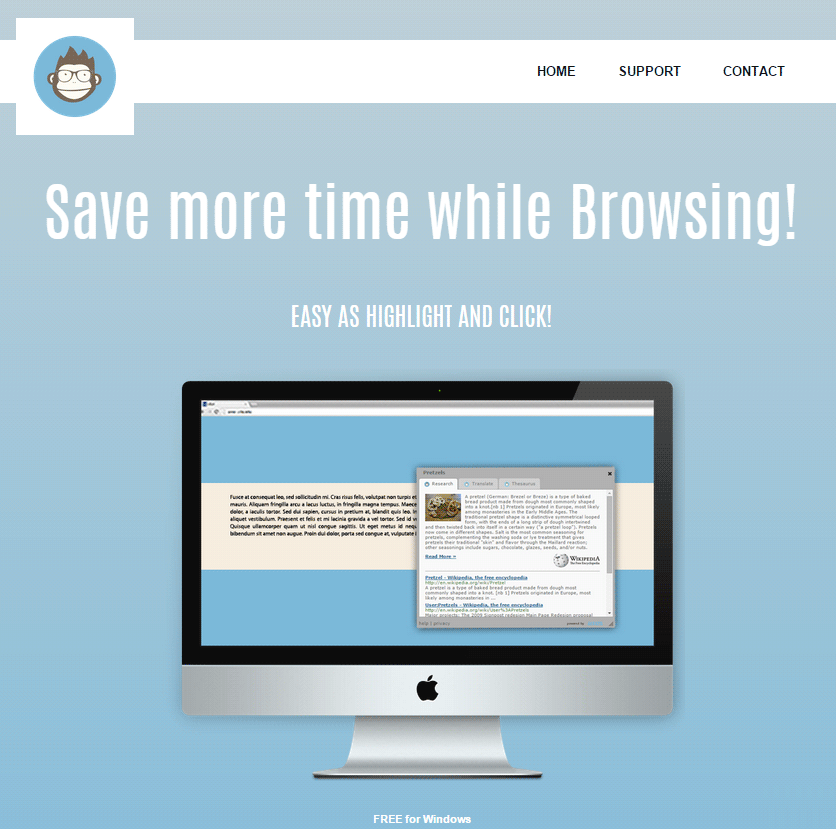
Once installed, this extension will start generating intrusive ads usually tagged as “ads by CS” or “Ads by Clever Search”. What we win by having this extension installed is ads in every possible form they can think of, nothing is left behind… we’ll see pop-ups, banners, highlighted keywords, coupons, sponsored links, audio and video ads, you name it! If you make the mistake of following some of these ads there’s a good chance you’ll be sent towards websites filled with even more dangerous software. You should know that Clever Search also takes the time to register certain data like the URL of websites you visit, searches you perform, your IP address, among other information that doesn’t stay anonymous, meaning it can be used to identify you personally exposing you to threats for you privacy and online frauds.
For your information please know that Clever Search is detected as suspicious by 14 security software.
Show the other 10 anti-virus detections

How to remove ads by CS ?
Remove ads by CS with MalwareBytes Anti-Malware
Malwarebytes Anti-Malware dis a light-weight anti-malware program that is excellent at removing the latest detections.
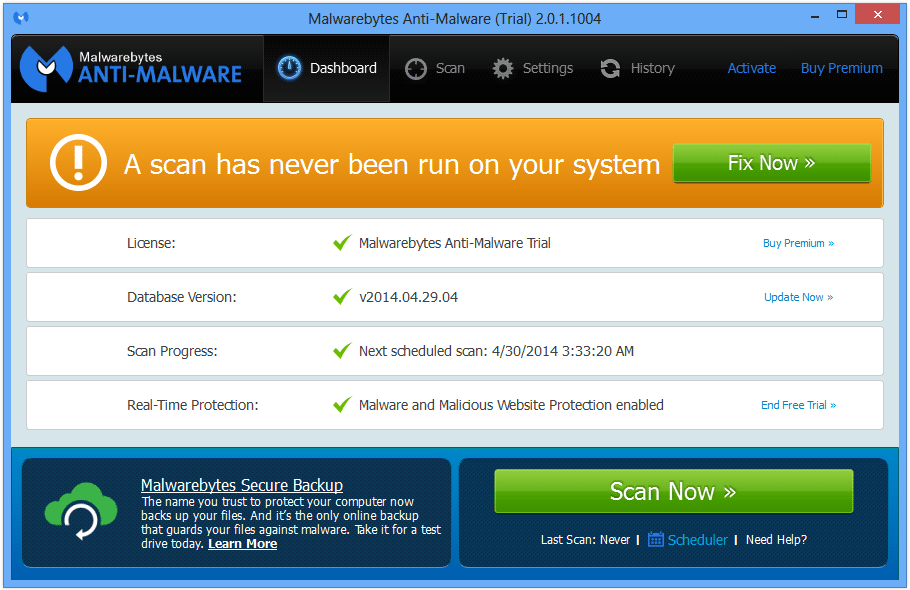
- Download Malwarebytes Anti-Malware to your desktop.
Premium Version Free Version (without Real-time protection) - Install MalwareBytes Anti-Malware using the installation wizard.
- Once installed, Malwarebytes Anti-Malware will automatically start and you will see a message stating that you should update the program, and that a scan has never been run on your system. To start a system scan you can click on the Fix Now button.
- If an update is found, you will be prompted to download and install the latest version.
- Malwarebytes Anti-Malware will now start scanning your computer for ads by CS.
- When the scan is complete, make sure that everything is set to Quarantine, and click Apply Actions.
- When removing the files, Malwarebytes Anti-Malware may require a reboot in order to remove some of them. If it displays a message stating that it needs to reboot your computer, please allow it to do so.
Click here to go to our support page.